Index:


Random projects

  • Replacing a Symmetricom ND-4 processor with a Raspberry Pi

    Replacing a Symmetricom ND-4 processor with a Raspberry Pi

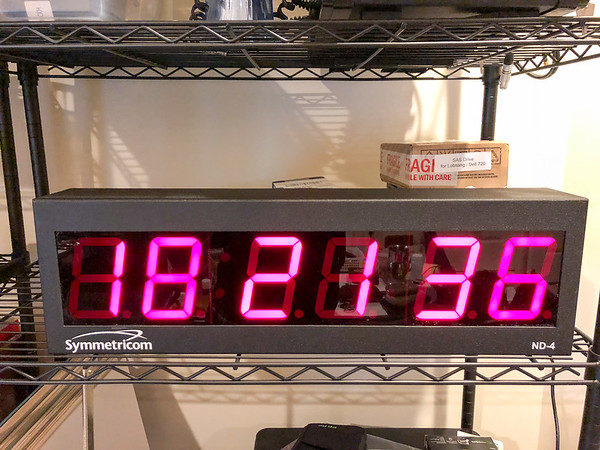
    I’ve had a broken Symmetricom ND-4 wall mount NTP clock display sitting around for ages. For some reason, this turned into one of those projects where I decided I really wanted to get it working. It was such a simple device that it seemed stupid that I couldn’t fix it.  


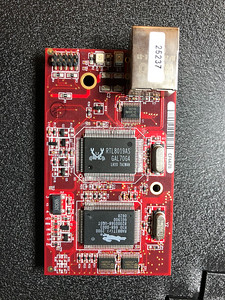
    Poking around showed that the power supply seemed fine, but the Realtek RTL8019AS Ethernet chip was obviously faulty (AKA, it got hot!).

    I tried replacing it, first with a pull from a different board, and then with a new one (I have a hot-air rework station and reflow oven). This didn’t fix it, and some more research / probing of the (Rabbit 2000) processor showed that there were more issues – the UART was obviously trying to send something, but the baud-rate was nothing sensible, etc.

    Processor board

    Eventually, I gave up trying to repair the processor board and it just sat in the corner of my workshop, gathering dust. But it kept bugging me, and so I decided to give it another whirl.

    The display itself is a 7 segment LED driven by a MAX7219 (“Serially Interfaced, 8-Digit, LED Display Driver”) with 4″ high digits. This is a very common LED display driver, and there is a nice Python library for driving it, so….

     
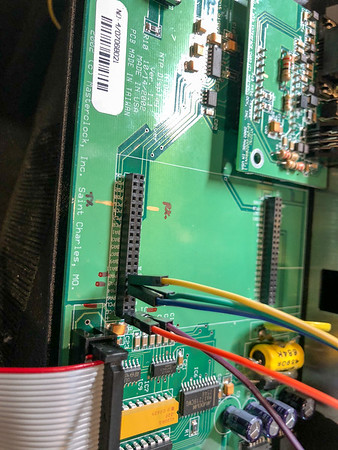
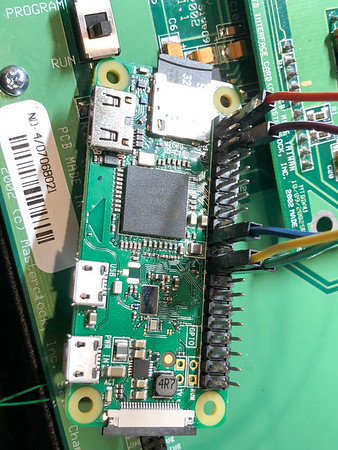
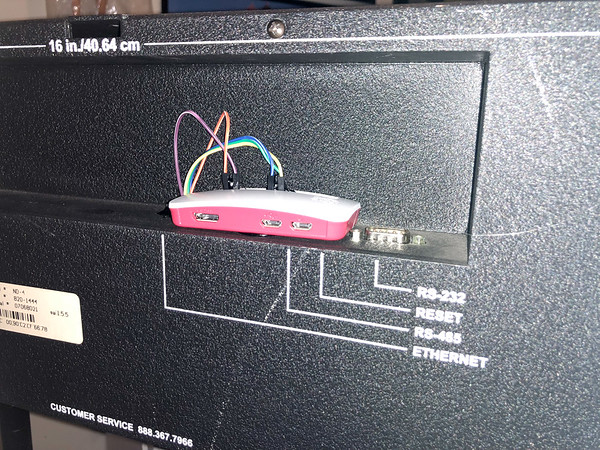
    I ripped out the processor board, and replaced it with a Raspberry Pi Zero W. The ND-4 power supply already has a 5V rail, suitable for the Pi, and the MAX7219 is easily driven over the Pi SPI bus.
     
    The wiring is as follows:
    ND-4 MAX7219 Function Pi Pin
    VCC   VCC 2
    GND   GND 6
    PA0 CLK SPI CLK(11) 23
    PA1 LOAD/CS SPI CE0(8) 24
    PA2 DIN MOSI(10) 19

    The Pi speaks NTP to get the correct time and uses the luma.led_matrix library to drive the display. 

    Code is here: https://github.com/wkumari/symmetricom-nd4-python


    Driver board Pi connection Running Mounted Pi


  • Making a CTEK to Ferrari battery tender adaptor cable.

    Making a CTEK to Ferrari battery tender adaptor cable.

    Ferraris are notorious for having high idle / standby current draw, and they end up with all sorts of weird and hard to troubleshoot issues if their battery voltage drops too low. They also often have radios and similar which need (expensive) reset codes, or alarm systems that decide to forget their fobs. They are also often stored for the winter (being high power rear wheel drive cars, usually with summer tires, driving them in the winter is often, um, exciting!).

    This makes storing them on a battery charger or tender critical – unfortunately, many people have either lost their Ferrari branded charger, or never had one. The charger which Ferrari supplies with most of their vehicles is the lowest end CTEK charger, with a special connector – this connector plugs into a special jack (usually in the trunk or passenger footwell), which disables the starter motor (to prevent the embarrassing “driving down the road with the charger still connected” issue :-)) – more info on the charger connector.
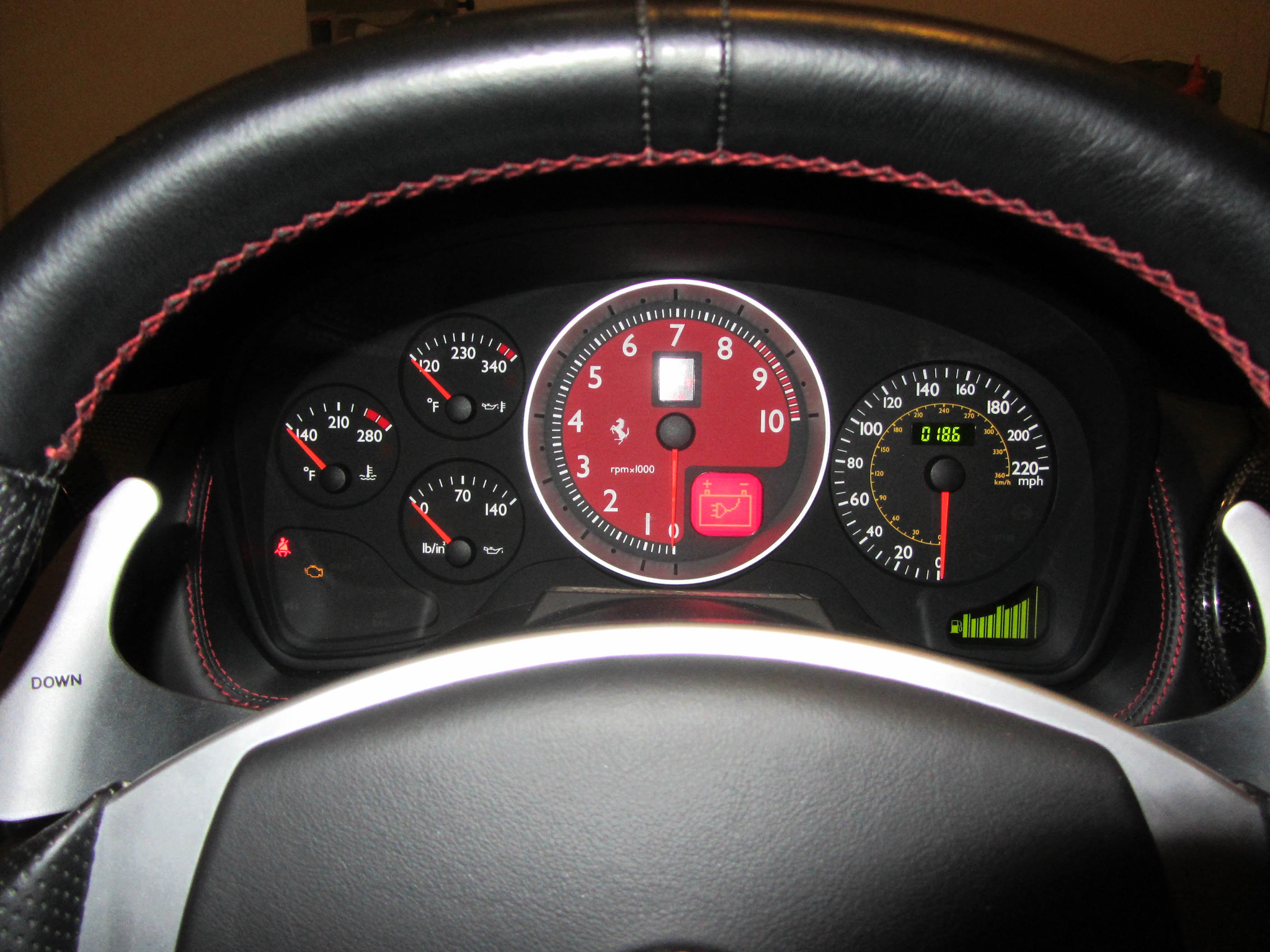
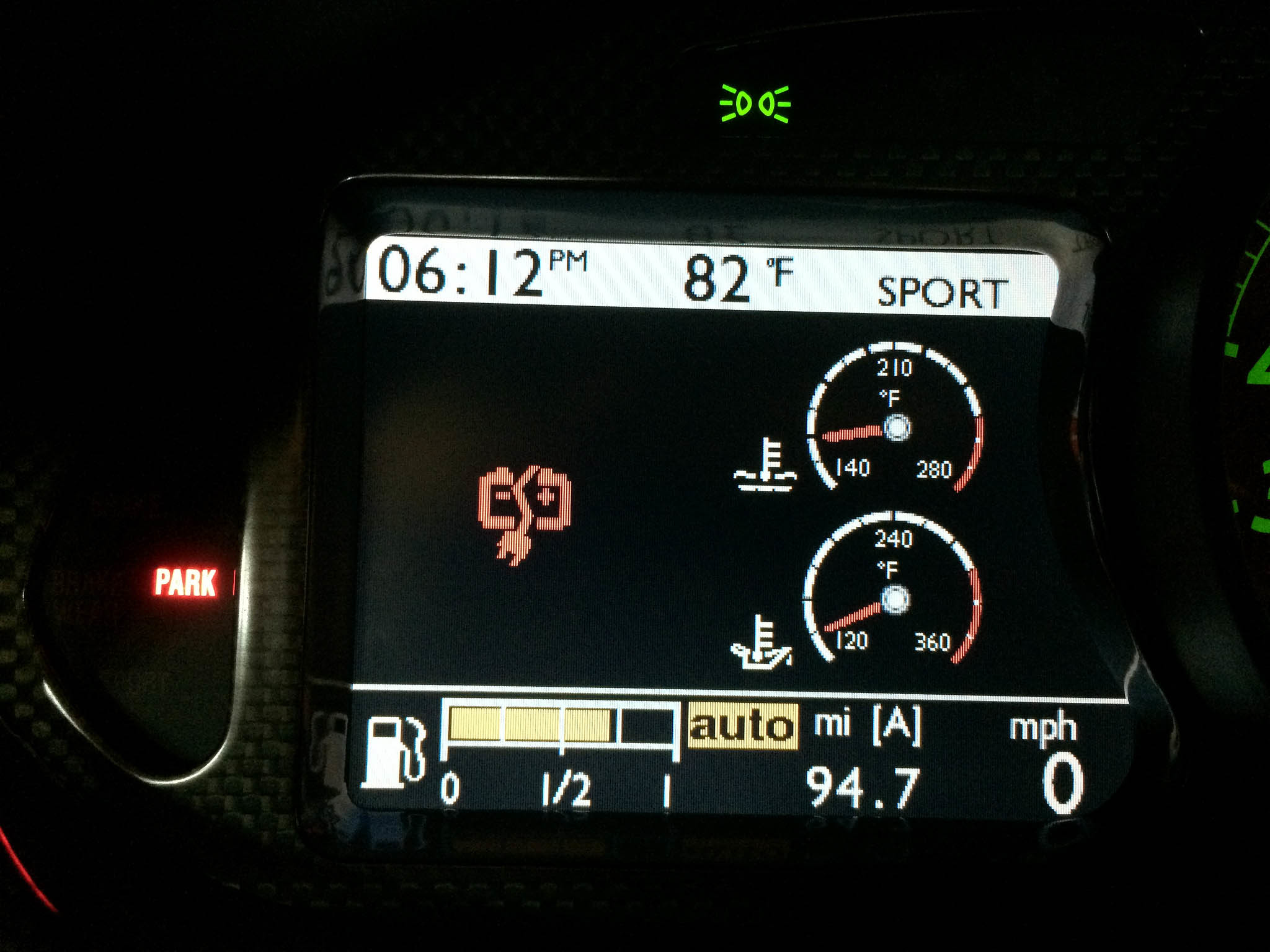
    f430-charger-connected-icon   Ferrari-599-charger-connected-icon


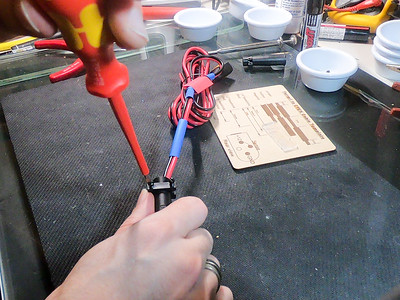
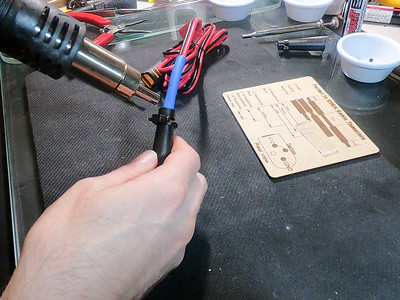
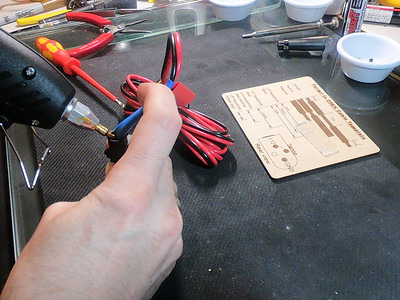
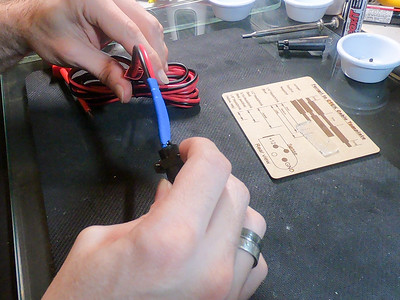
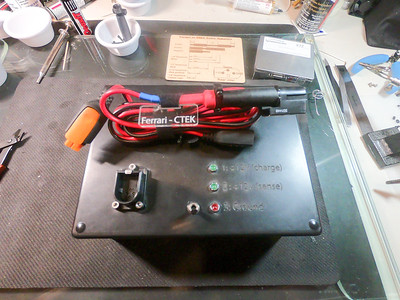
    The following contains some information on how I make these cables – I make other cables for mission-critical purposes, and so I’ve gotten into the habit of seriously over-engineering cables – while I could just slap the proprietary Ferrari connector on the end of the CTEK leads, instead I solder and crimp the contacts, moisture-proof the connectors (by blocking the unused pin and the rear with foam, and then fill the body with hot-glue), install 4 layers of heat-shrink, etc.

    Each one takes me multiple hours to make, so here are instructions/picture in case you’d like to make your own. 

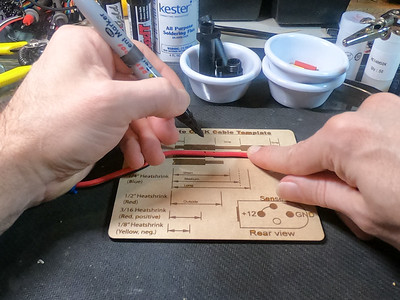
    To improve quality I created a template on a laser cutter:
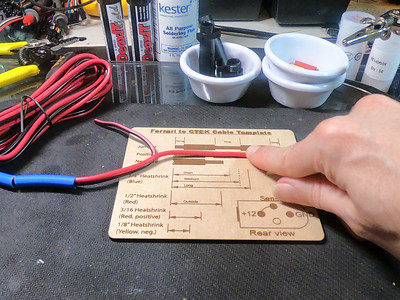
    Cable template 1    Cable Template 2

    To improve the connector strength (and decrease resistance), I apply flux to the contact, then fill with solder, before inserting the wire (and backfilling with solder)
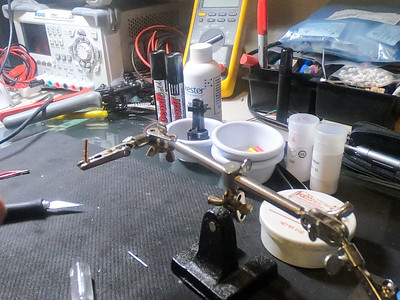
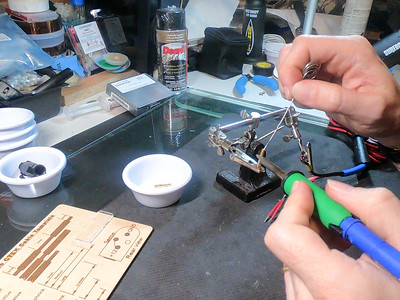
    Contact Filling contact with solderBackfill with solder

    It is really important to use the correct crimping tool for these contacts – I have tested the pullout strength using just solder, solder and an incorrect crimp, and solder and the correct crimp. The correct crimp makes a huge difference. The solder and (correct) crimp also provided the lowest electrical resistance by far (tested using the four-wire Kelvin technique). These contacts really need the S16RCM1450 or S16RCM16 crimp heads (available from DigiKey or Mouser) and Souriau crimp handles – the set is somewhat expensive (at ~$400), but the quality of the crimp is well worth it.
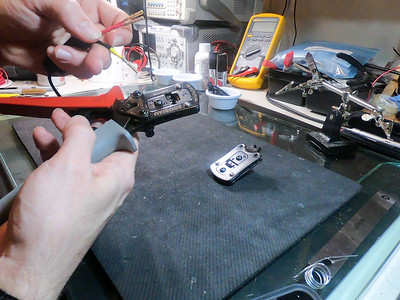
    Crimping the contacts Crimping the contacts

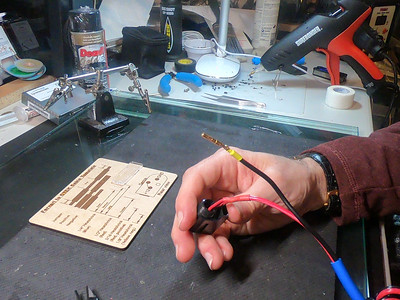
    To help with moisture protection, I cut and insert a small piece of foam into the unused contact spot
    Small piece of foam Inserting foam Inserted foam

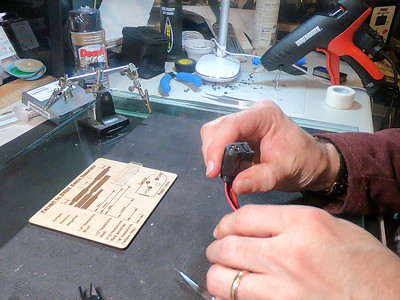
    And then insert the contacts

    Contacts1 Contacts2 Contacts3

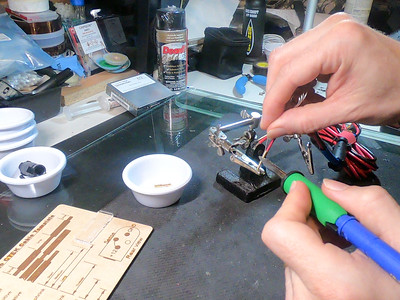
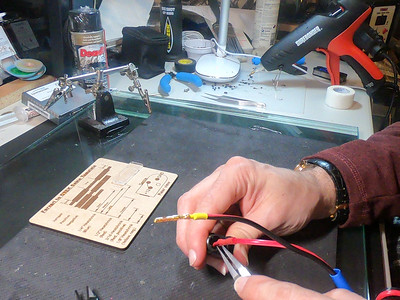
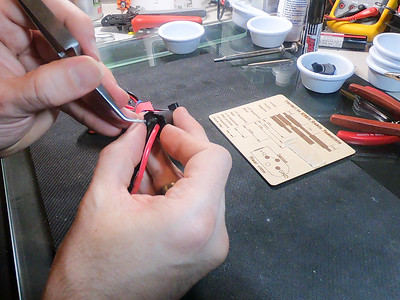
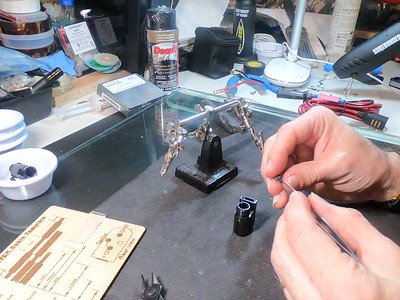
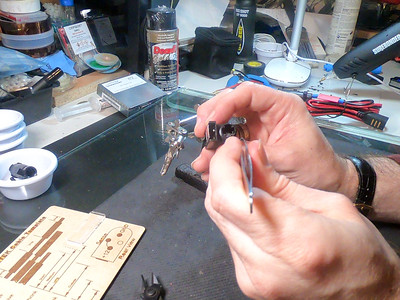
    Getting them fully inserted is sometimes tricky, and so I strip a bit extra from the negative lead and then tin and heat-shink it just behind the connector – if I don’t do this, the insulation around the wire stops it seating properly. I then use a Molex-tyle pin remover to check that each pin is securely clipped in,
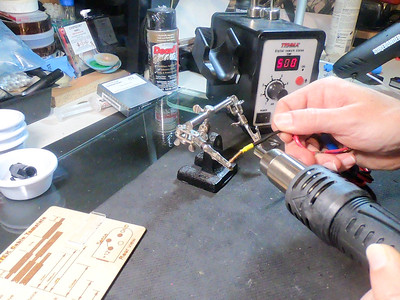
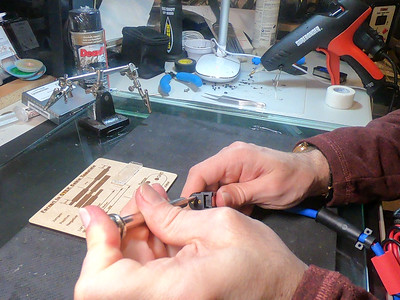
    Negative heat shrink Pin setting Pin check

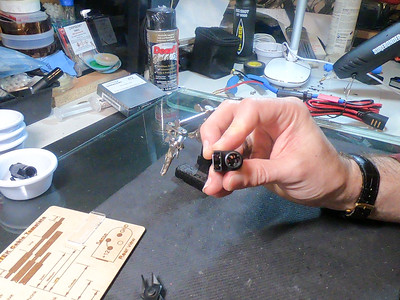
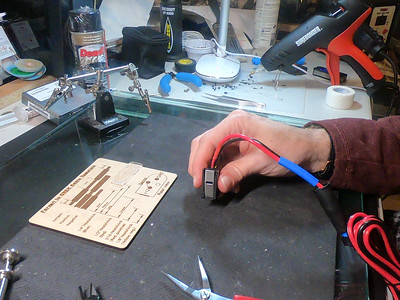
    Once the pins are all inserted I do an initial test.
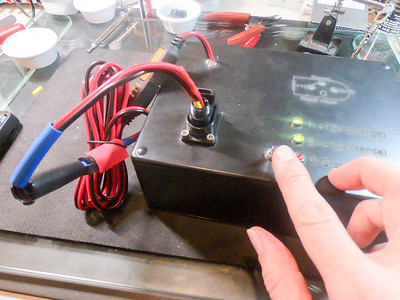
    Test for ground short Test for continuity Test

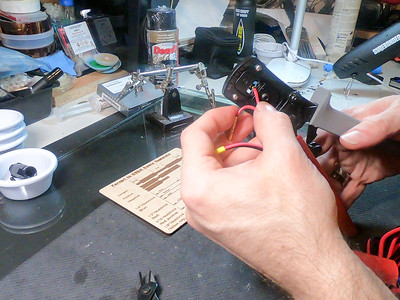
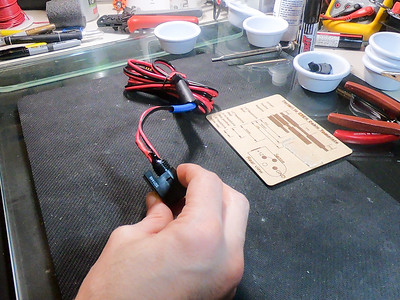
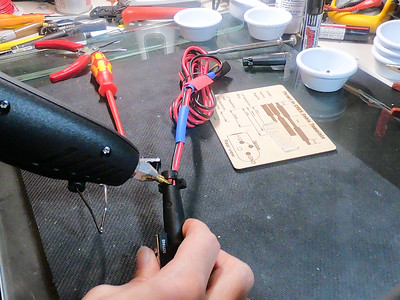
    It then gets a good glob of waterproofing / strain-relief sealant on the contacts / wiring
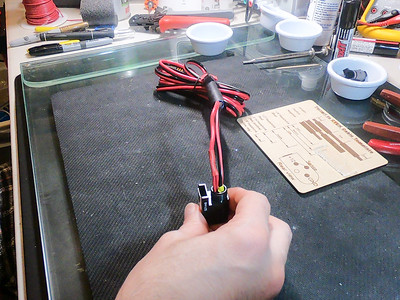
    Sealant1 Sealant2 Sealant 

    Some more foam gets wrapped around the wires towards where the end of the strain relief boot goes, and (temporarily) held in place with some more sealant
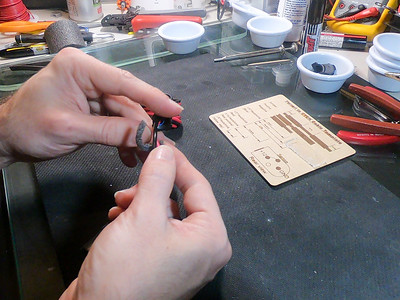
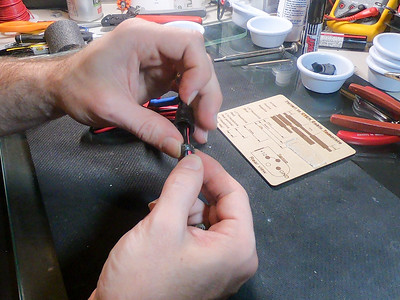
    Rear sealant Rear sealant2 Rear sealant 3 

    Rear sealant 4 Rear sealant

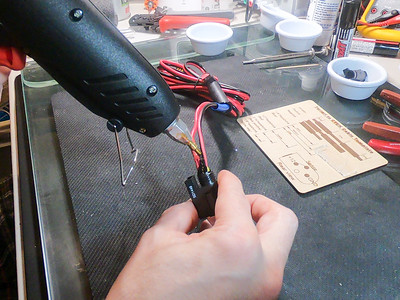
    And now for the tricky bit. I add a bunch more sealant to the strain-relief boot, and then quickly screw it all together, before the sealant has a chance to set.
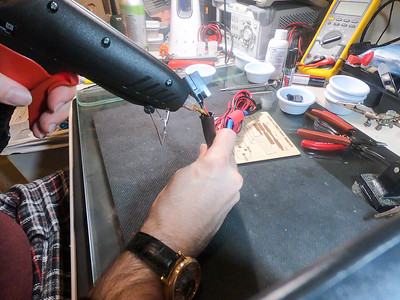
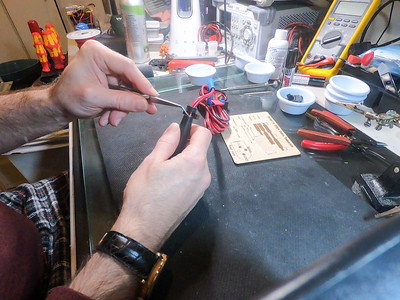
    Closing1 Closing2 Closing3 

    And then screw on the strain-relief clamp
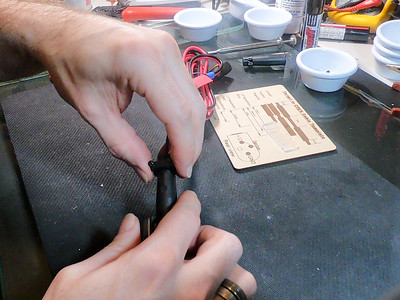
    StrainClamp1 StrinClamp2

    Actually, this bit might be the trickiest, or at least the one with the most chance of cursing; right at the beginning of the process, I’ve (hopefully!) remembered to put on all of the extra water-proofing heatshrink.
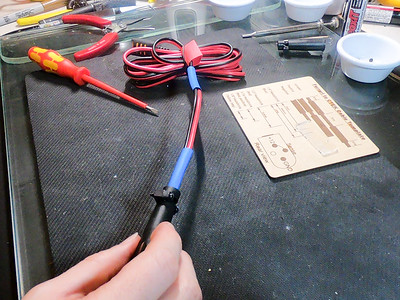
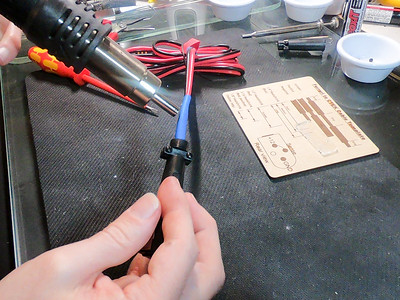
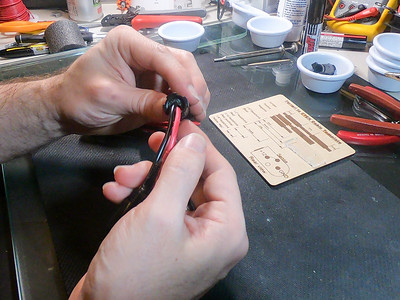
    Heatshrink Heatshrink2 

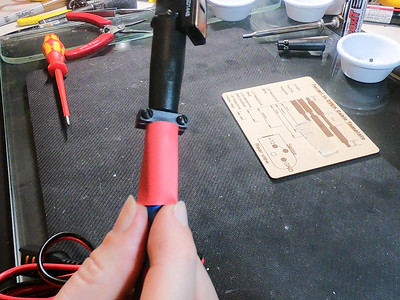
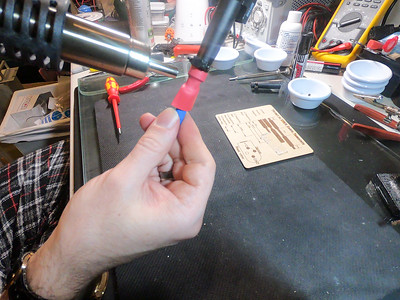
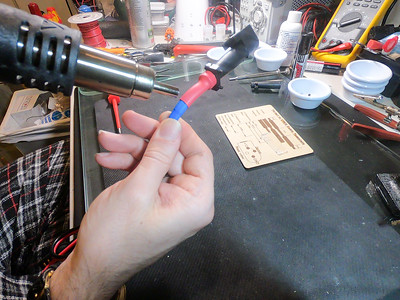
    It gets (usually) 3 layers of heatshrink to build it up
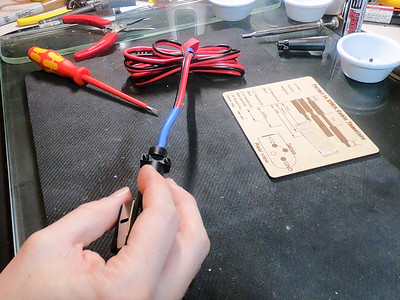
    Heatshrink Heatshrink4

    And them some final sealant in the back of the boot
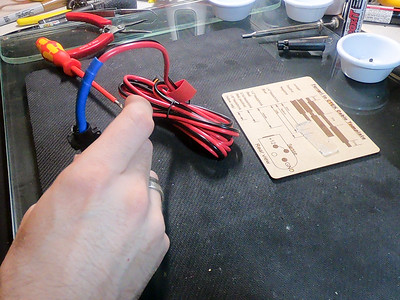
    Boot seal1 Boot seal 2 Boot seal 3

    And then a final layer of heatshrink over all of this to finalize the seal.
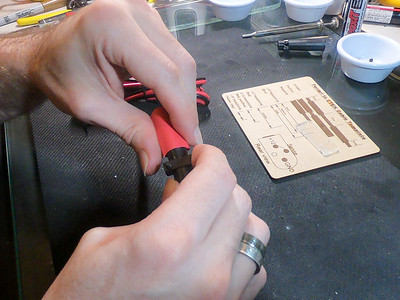
    FinalSeal1 FinalSeal2 FinalSeal3 FinalSeal4

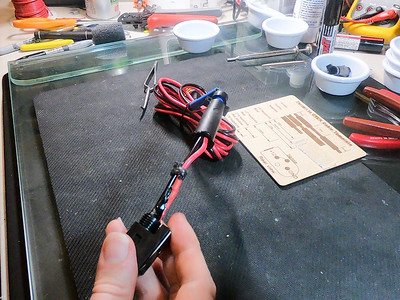
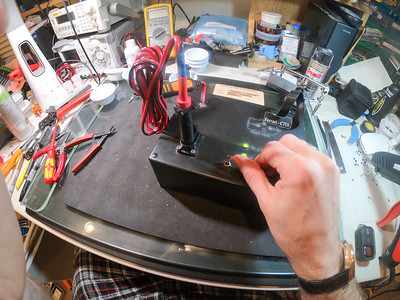
    And the cable is all done, just needs a final test and label
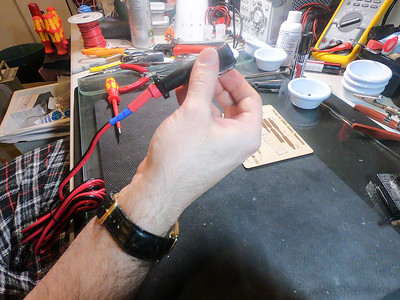
    Final assembly Final test

    Done

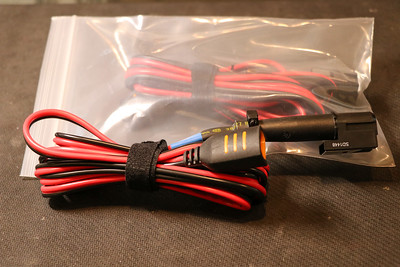
    Done1 Older-bagged


    Photo album: http://photos.kumari.net/Projects/CTEK-Ferrari-Cable-Instructions/ and older page with more details: https://www.kumari.net/index.php/cars/ferrari-battery-charger-cable


  • Improving a fidget spinner

    Improving a fidget spinner

    I recently attended ICANN 59 in Johannesburg, South Africa.
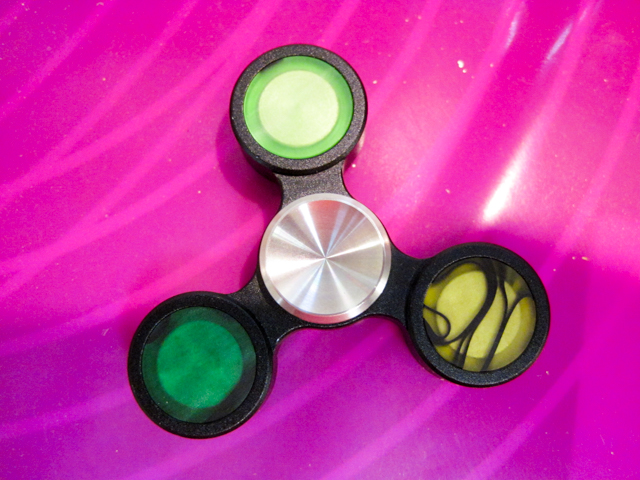
    While there I picked up a fidget spinner. It worked reasonably well, but it was not very well balanced and so shook somewhat while spinning. This bugged me (probably more than it should have!), and so I decided to do something about it.

    IMG 0258

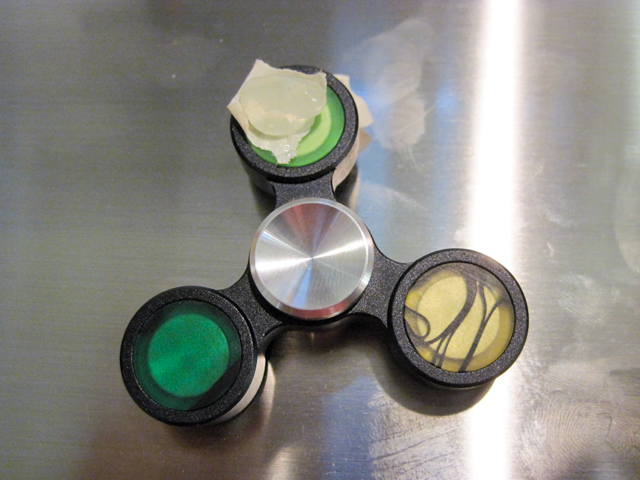
    If I held it vertically and gave it a quick spin, it would fairly much always stop with the light green arm point up. This means that the other two arms needed some material removed. I estimated how much would ned to be removed by adding hot-glue to the lighter arm to balance that, and then remove roughtly half that from each arm.

    IMG 0259

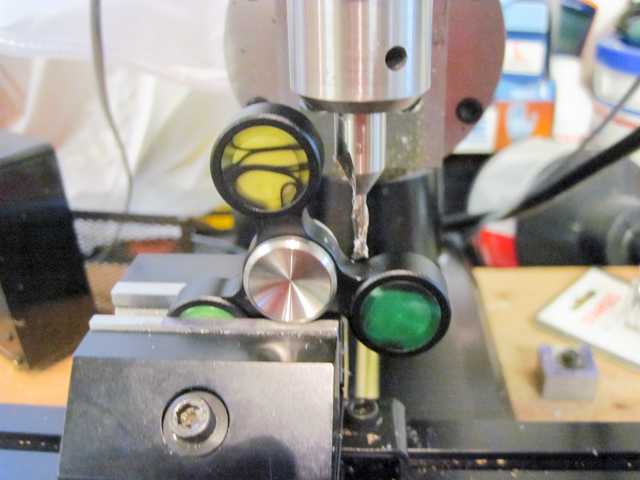
    I couldn’t figure out how the weights were held in the arms (it looked like a press-fit, but was very tight) and so I decided to try and mill some material off the outside of the arm. After removing some material on my little Sherline mill, it became clear that this wasn’t going to provide nearly enough benefit (the body of the spinner seems to be aluminum, and the weights seemed much heavier) and so I decided that I needed to get the counterweights themselves out. I heated the arms up with a heat gun and managed to press the weights out.

    IMG 0260

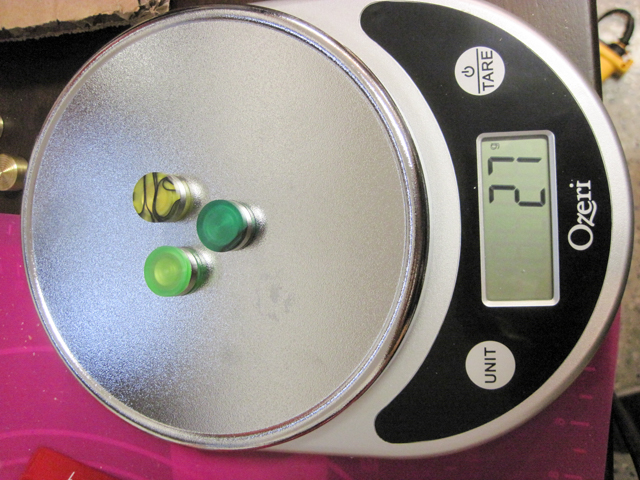
    Unfortunately, I didn’t have my higher precision scale handy, but even using a lower precision one it was clear that the weights were different.

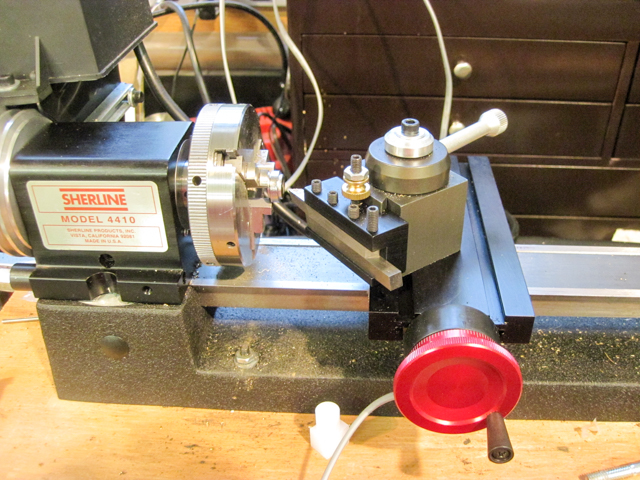
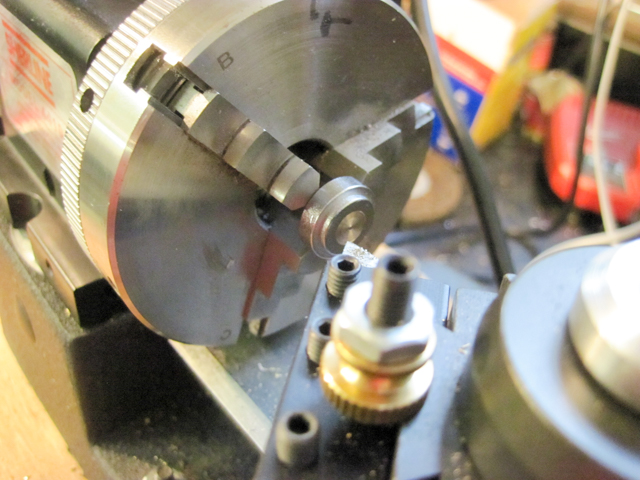
    I put each weight in a Sherline lathe, removed bits of material and kept checking to see if this had fixed it. 

    IMG 0262

    IMG 0261

    After removing much more material than I would have expected, I got it nicely balanced.

    IMG 0263


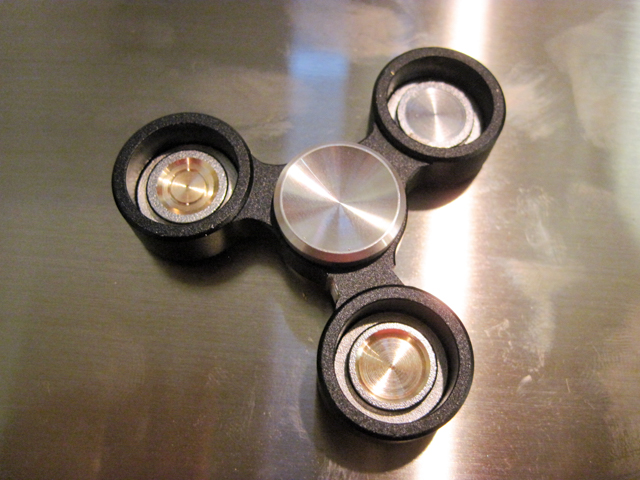
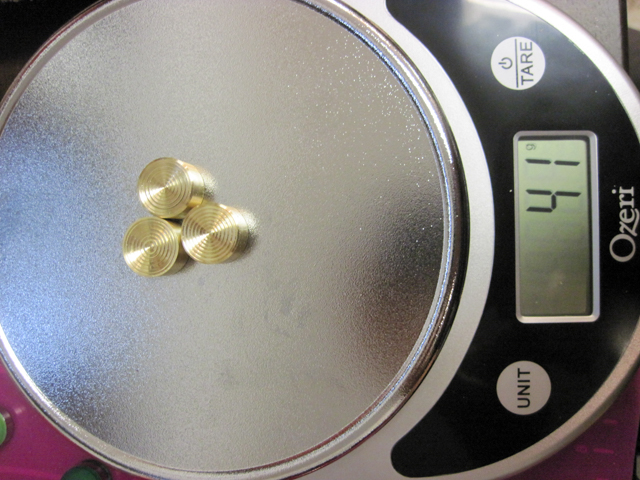
    Of course, if something is worth doing, it’s worth over-doing, and so I decided to replace all of the weights with larger, brass ones (I also enjoy turning brass). So, I turned down some brass rod to (slightly over) dimension, parted it off, and made small cuts to balance them.

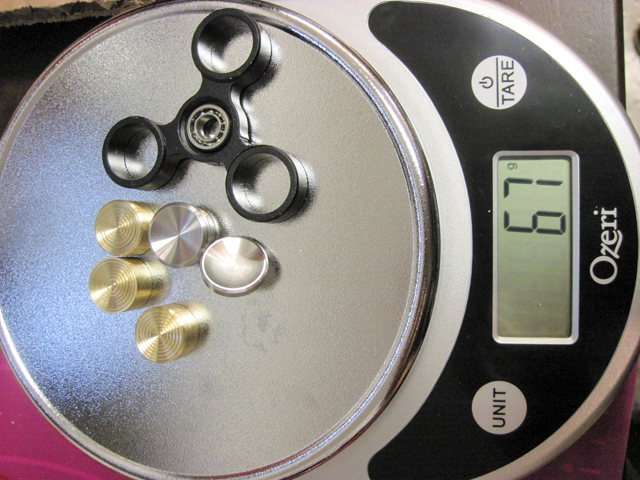
    I then turned small decorative cuts into the face, which also happen to improve the feel. The new weights are significantly heavier than the old – 41g versus 27g, heading to noticeably longer spin times.

    IMG 0266

    IMG 0267

    IMG 0268

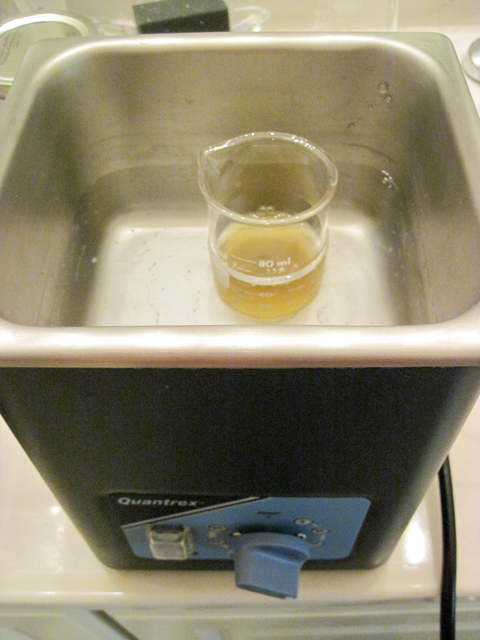
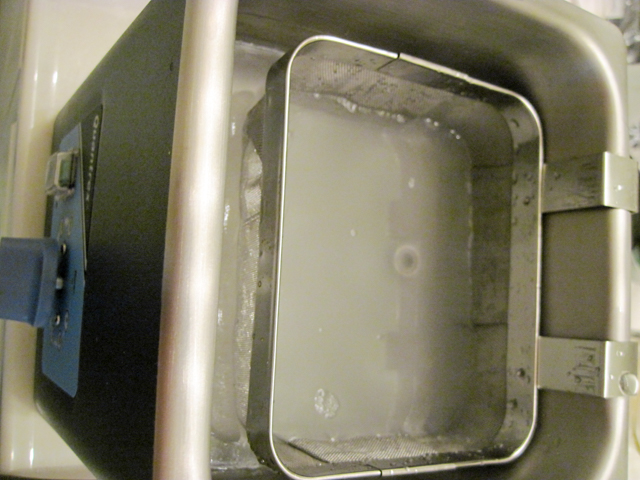
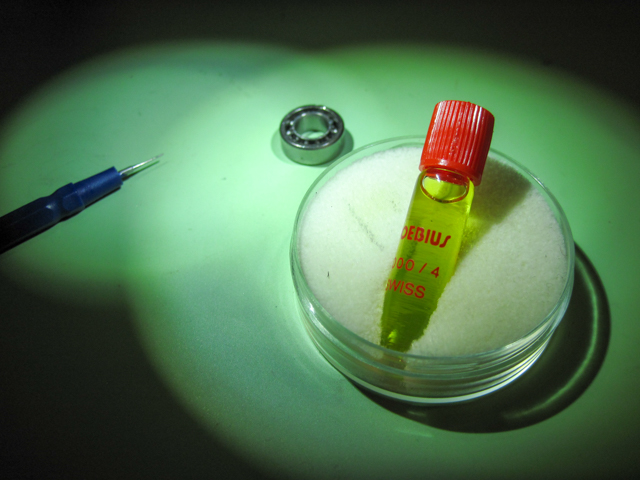
    Finally, the bearing felt somewhat rough, so I cleaned it in an ultrasonic cleaner, with some L & R #566 Ultrasonic Non-Ammoniated Watch Cleaning Solution, rinsed it in L & R Ultrasonic Watch Rinsing Solution and oiled the bearings with some Moebius 8000/4 oil. The Moebius turned out to be somewhat too thin, so I replaced it with

    IMG 0270

    IMG 0271

    IMG 0273

    It is now much improved. All of this was way more work than it justified, but, hey, that’s not the point!